Why most WordPress sites are slow
Heavy page-builder themes, twenty plugins doing what five could do, uncompressed photos, and the cheapest shared hosting available. Each one costs a second; together they make a site that opens in six. On a phone on mobile data, many visitors leave before it finishes loading.
How we build WordPress
- A light theme, built or chosen for your site, not a demo theme with forty unused features
- The fewest plugins that do the job, each one named in the handover list with what it's for
- Images resized and converted before upload, and lazy-loaded below the first screen
- Hosting sized for your traffic, billed at cost; we'll tell you if the plan you already have is the problem
- Editing that makes sense to you: the pages you'll change most are set up so you can edit text and photos without breaking the layout
- Security basics: updates, a firewall, limited admin accounts and a backup you can restore
Which plan fits
| Plan | Pages | Price | Time |
|---|---|---|---|
| Basic | Up to 5 | ₹4,999 | 1–2 weeks |
| Professional | Up to 15, with a blog | ₹12,999 | 2–3 weeks |
| E-commerce | WooCommerce store | ₹34,999 | 4–6 weeks |
Domain and hosting are billed at cost. You get two rounds of changes on the Basic plan and more on the others. See what's in each plan.
When WordPress isn't the right choice
If nobody will ever edit the site, a plain HTML site is faster and needs no updates. If you're selling a few hundred products and want hosting and security handled for you, Shopify may suit you better. We'll say so when that's the case.
After launch
WordPress needs updates. Left alone for a year, a site collects plugin warnings and, eventually, a security problem. You can do the updates yourself, or we can look after them on a maintenance plan.
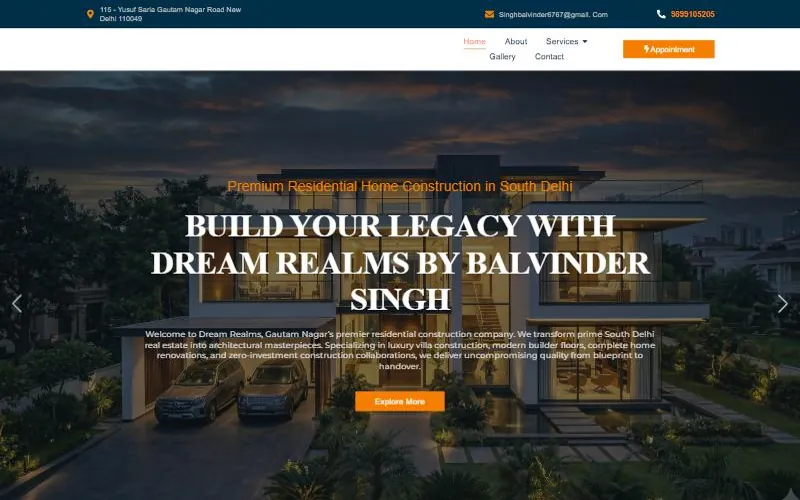 Dream Realms
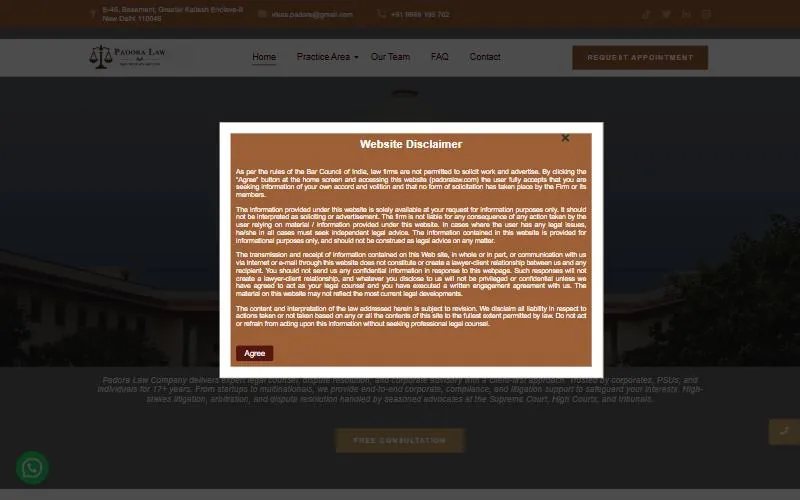 Padora Law
 Roli Infotech
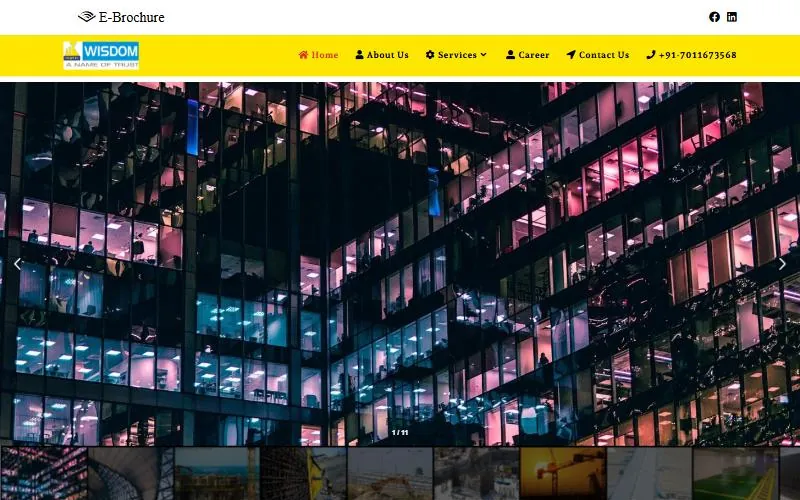 Wisdom Tech Seal